
Whether you are reviewing a report, collaborating on a contract, or providing feedback on a design, the ability to add annotations to any file online turns a static document into a dynamic communication tool. With ScanWritr, you can open a document in your browser, write comments directly on it, highlight important details, and enhance the content without needing to install any software. The entire process is quick, effortless, and suitable for both personal and professional use.
ScanWritr lets you work on any device, including PCs, Macs, tablets, and smartphones. You open the platform in your browser, upload your file, and begin commenting immediately. This online flexibility eliminates the need for downloads or setup, offering a smooth and efficient editing experience.

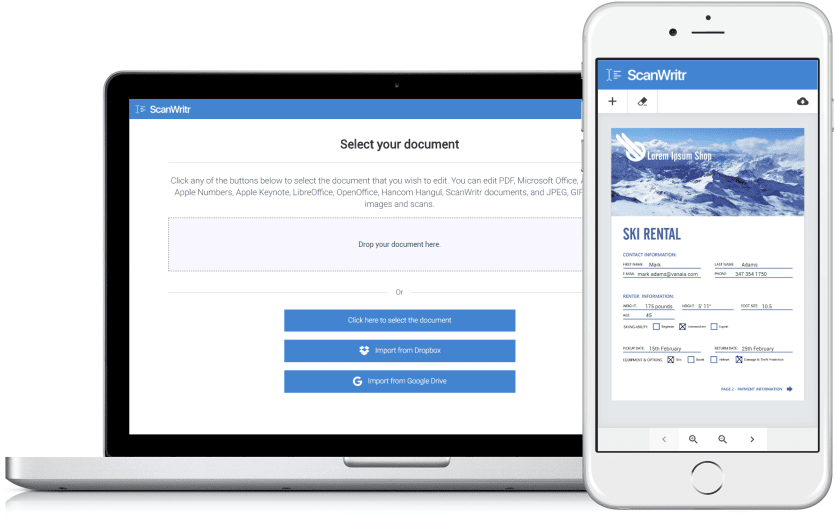
Add annotations to any file with ScanWritr editing tools
Annotations provide clarity, context, and structure to documents, making them easier to understand and collaborate on. ScanWritr offers an intuitive online editor that makes adding annotations straightforward. After opening the editor, you upload your file, regardless of whether it is a PDF, Word document, image, or another supported format. You can then use the text, marker, and pen tools to write notes, highlight key points, or add comments directly to the page. When finished, the document can be exported as a polished PDF that is ready for sharing or archiving.
ScanWritr allows you to add annotations to any file online in a simple, convenient way, as you can work with documents without installing any application. It lets you access the tool in your browser on any device, edit documents instantly, and export them in minutes. This online approach is perfect for remote collaboration, team feedback, and quick document review, ensuring information flows smoothly among all parties. Add annotations to any file.
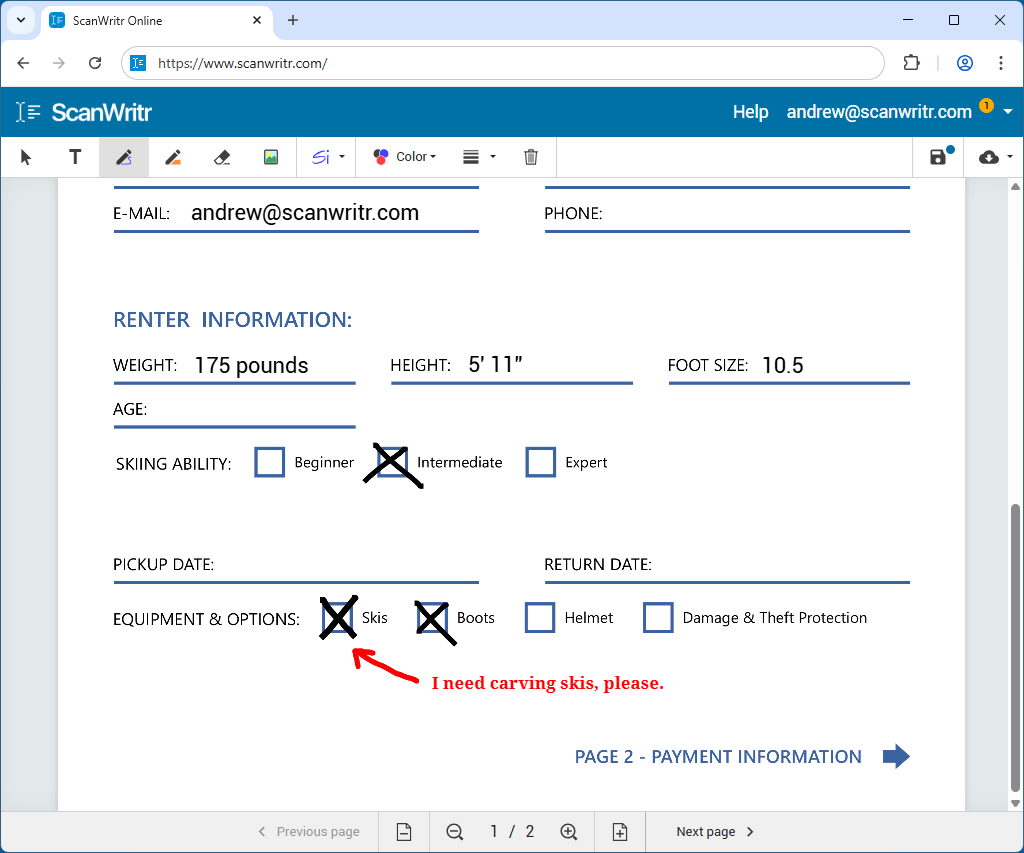
Work with multiple file formats
ScanWritr supports a wide range of commonly used file formats, making it easy to add annotations to any file. You can upload files such as Microsoft Word documents, Excel spreadsheets, PowerPoint presentations, or Visio diagrams. ScanWritr also supports Apple Pages, Numbers, and Keynote files, along with Adobe Acrobat PDF documents, and office suite files from LibreOffice, OpenOffice, or Hancom Hangul. Image formats like JPEG, PNG, GIF, HEIC, and BMP are equally compatible.
This broad support means that you don’t need to convert a file before editing it. If you start with a paper document, you can scan it or photograph it and turn it into a digital file for immediate commenting. The platform also allows multiple files or images that you can combine into a single project and export it as a unified PDF document.
Powerful editing and annotation features
Once the file is uploaded, ScanWritr gives you full control to comment, edit, and enhance the content. You can write comments, annotate text, highlight key areas, and make modifications directly on the document. Sensitive information can be removed or obscured when needed, and you can insert signatures or fill in forms. Additional images can be added to support your content, ensuring your document is clear, complete, and informative.
The platform also includes retouching options to improve the quality of scanned or photographed documents. You can clean up the background, sharpen text, adjust contrast, and remove imperfections, making the final result look neat and professional.
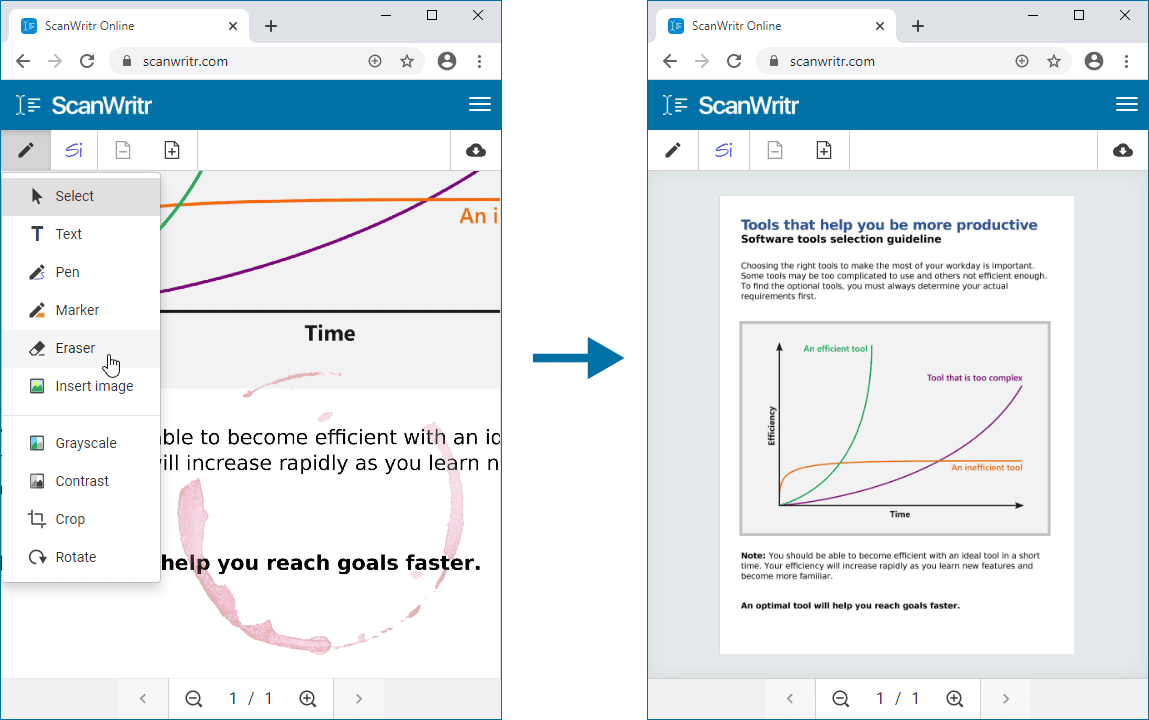
Add annotations to any file without installation
If you need a simple and efficient way to add annotations to any file online, ScanWritr provides a complete browser-based solution. You only need to visit the website, upload your document, and begin commenting, annotating, and enhancing it immediately. Once your work is done, the document can be saved as a high-quality PDF, ready for sending, sharing, printing, or faxing.
With its versatile features, multi-format compatibility, and streamlined workflow, ScanWritr is the ideal choice for anyone who needs to add annotations to any file quickly and professionally.